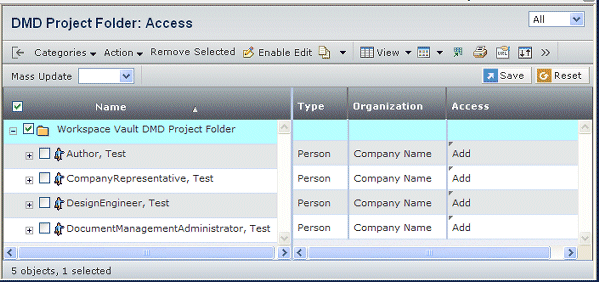
Columns for Folder Access
| Column Name |
Description |
|---|
| Name |
The name of the person, role, or group
who has access. |
| Type |
Shows whether the name is a person, group,
or role. |
| Organization |
The organization for the person.
This column is blank for groups and roles. |
| Access |
Access privileges:
| Access Option |
Description |
|---|
| Add |
The user can add content to the folder. |
| Add Remove |
The user can add content to and
remove content from the folder. |
| Read |
The user can view the folder contents. |
| Read Write |
The user can both view and edit
folder contents. |
| Remove |
The user can remove folder contents. |
|
|