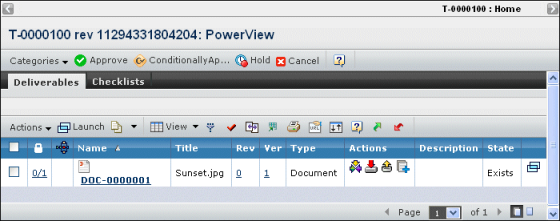
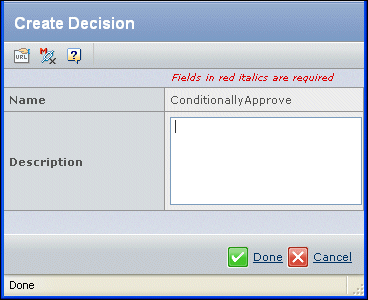
On the page toolbar, click an action to take on the project:
Approve. Approves the project to continue. Creates a Decision with the name "Approve".
Conditional Approve. Approves the project to continue under certain conditions. Creates a Decision with the name "Conditional Approve".
Hold. Puts the project on hold. Creates a Decision with the name "Approve".
Cancel. For a project in Active or Hold state, this cancels the project. Creates a Decision with the name "Cancel".
Resume. Puts the project back to the state from which it was put. Creates a Decision with the name "Resume".