When defining access for a folder, you can choose to add an existing group so that anyone in the group can access that folder.
You can also add a defined role so that anyone who has been assigned that role can access the folder.
To access this page:
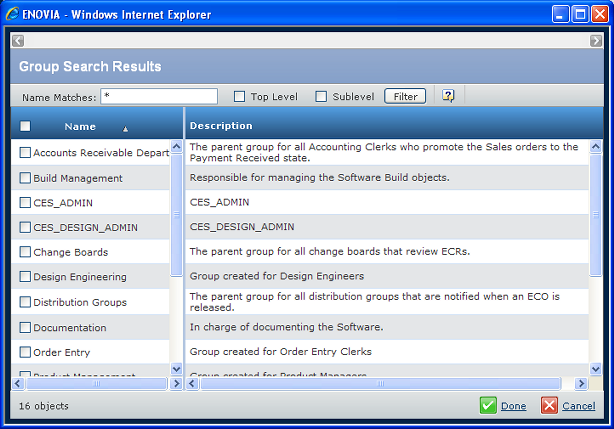
This example shows the Group Search Results; the Role Search Results works the same way.
The filter toolbar lets you narrow down the list.
The check boxes let you select the needed roles or groups.