Mass Assigning Design Responsibility for Configuration Features | |||||||
|
| ||||||
 menu.
menu.From the page Actions menu, select Mass Assign RDO.
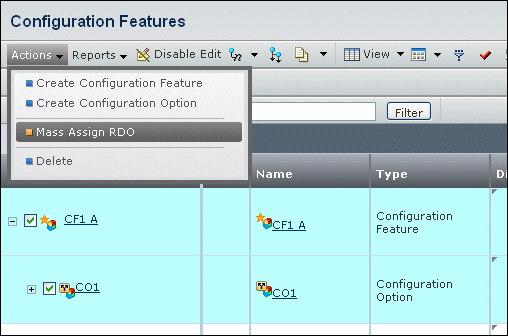
A popup message says You have chosen to mass assign design responsibility. This operation may change the existing responsibility of selected objects. To continue, click OK. To cancel, click Cancel.
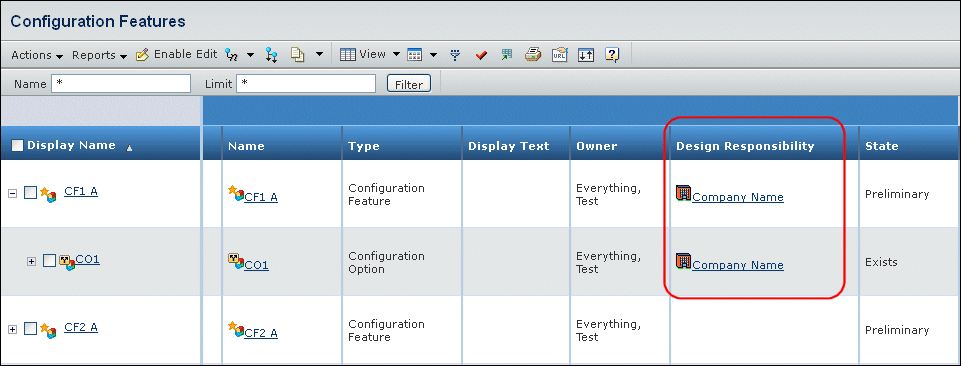
The new RDO for the selected objects appears in the Design Responsibility column of the Configuration Features page.