Mass Assigning Design Responsibility for Logical Features

This topic describes how to assign the Responsible Design Organization (RDO) to multiple objects (logical features) simultaneously.


Before you begin:

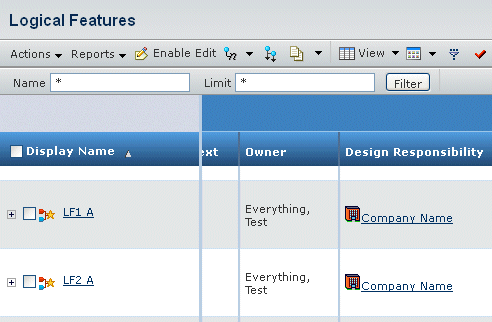
Access the Logical Features page. For details, see Logical Features Page.

Related Topics
Running a Search
About Logical Features
Creating a Logical Feature
  1. On the Logical Features page, select one or more objects for which you want to assign design responsibility.

  2. From the page Actions menu, select Mass Assign RDO.
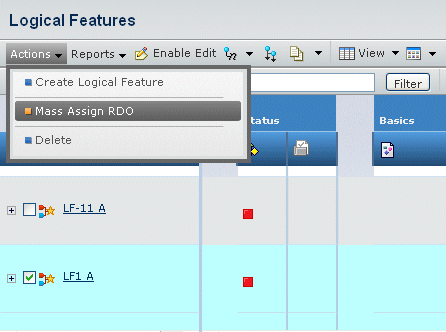
    A popup message says You have chosen to mass assign design responsibility. This operation may change the existing responsibility of selected objects. To continue, click OK. To cancel, click Cancel.

  3. Click OK.

    The Search window opens, allowing you to search for organizations and project spaces.

  4. In the Search window, select an organization or project space, then click Submit.

    Another popup message says Mass assign Design Responsibility successful.

  5. Click OK to save your selections.

The new RDO for the selected objects appears in the Design Responsibility column of the Logical Features page.